Big screen — the table. Your phone — your cards.
Nothing to install — it runs in the browser.
Where will the shared table go?
Getting the table onto a big screen
- Android TV appOpen the app — the table is right on the screen. Nothing to type or plug in.Coming soon to Google Play
- Smart TV browserOpen chumix.com — the TV switches to shared-table mode on its own.
- Laptop or tabletOpen chumix.com/spectate to show the shared table here. To use a TV, tap "On your TV" for connection instructions.
- 1Tap “Start a new game”.
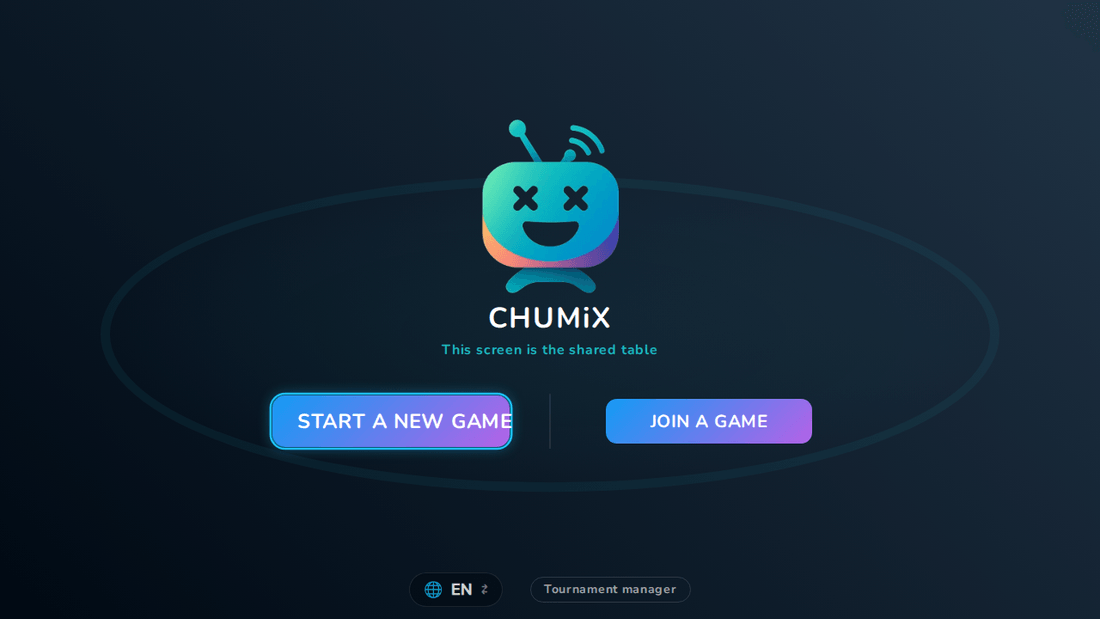
- 2The table fills the screen with a big QR — players join from their phones.
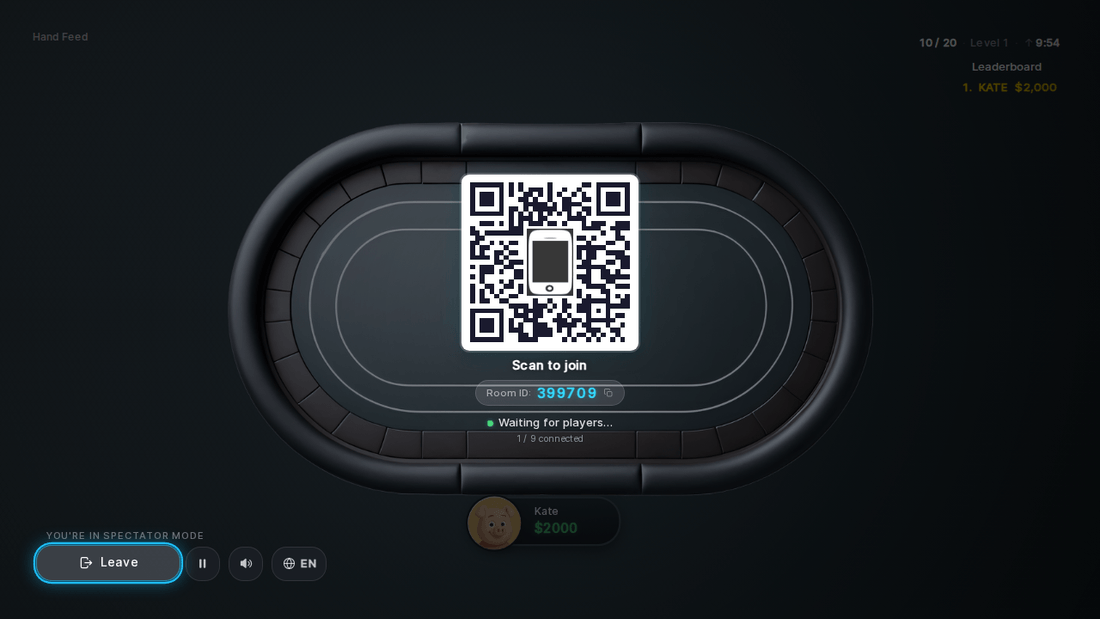
This is how players get in
Point the camera at the QR on the screen.
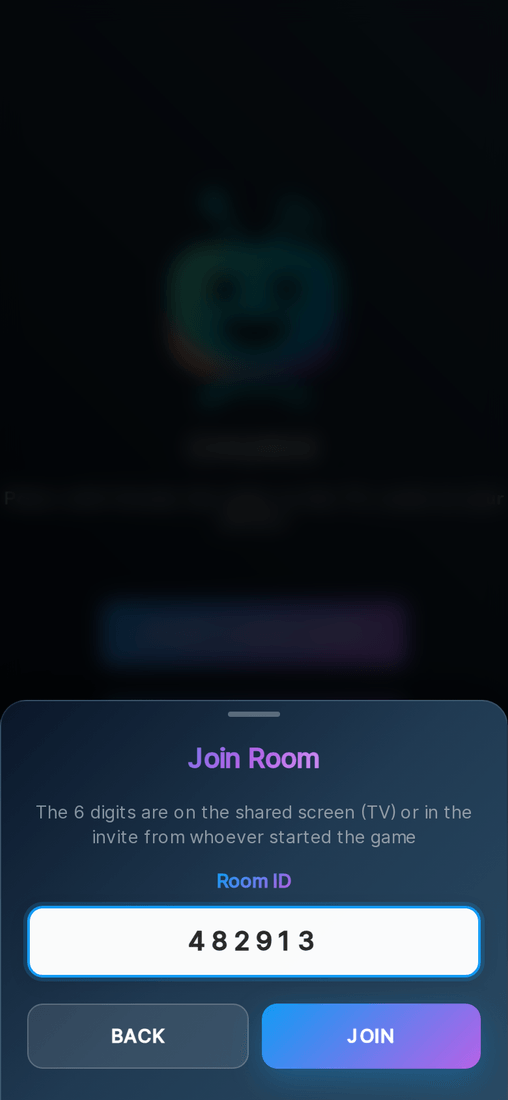
Or tap “Join a game” and type the 6-digit code.
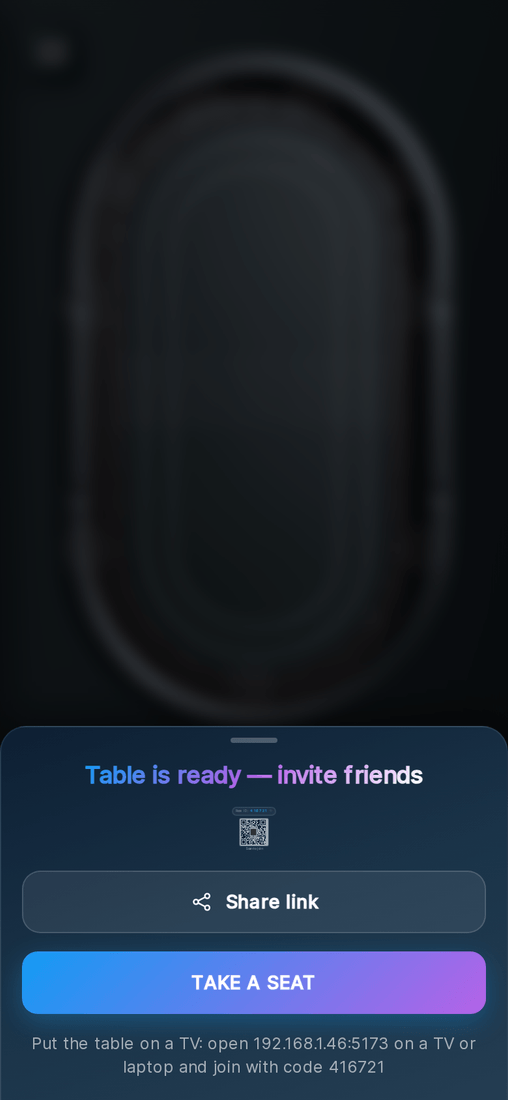
Or open the invite link — it drops you straight into the room.
Your phone is the controller
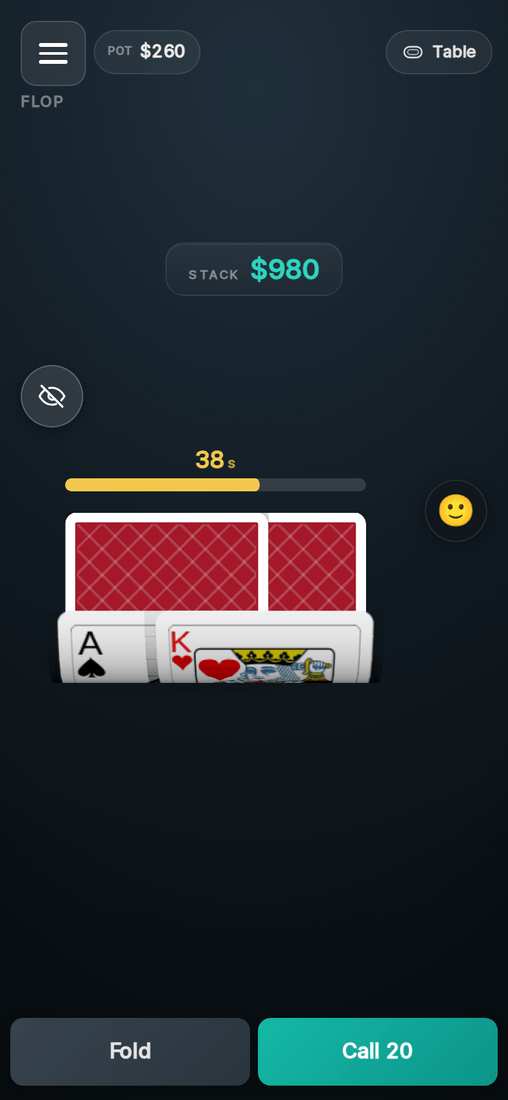
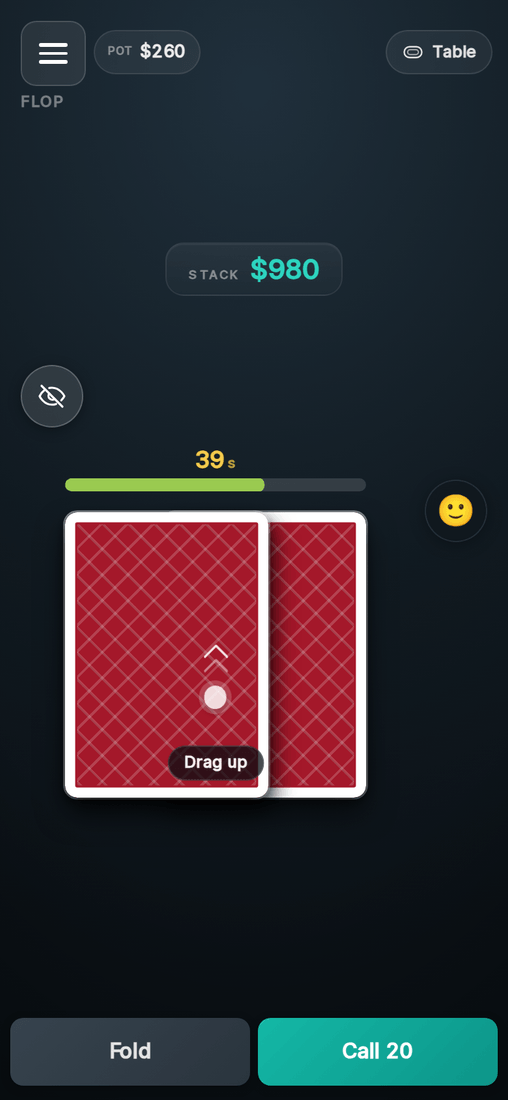
Drag your cards up to peek.
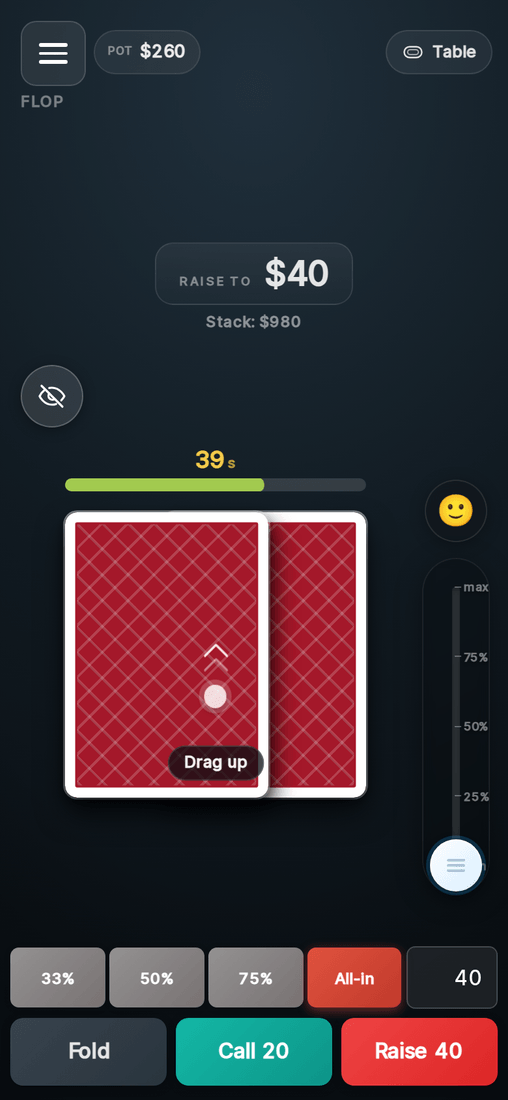
Action buttons and the bet slider show up on your turn — about a minute to decide.
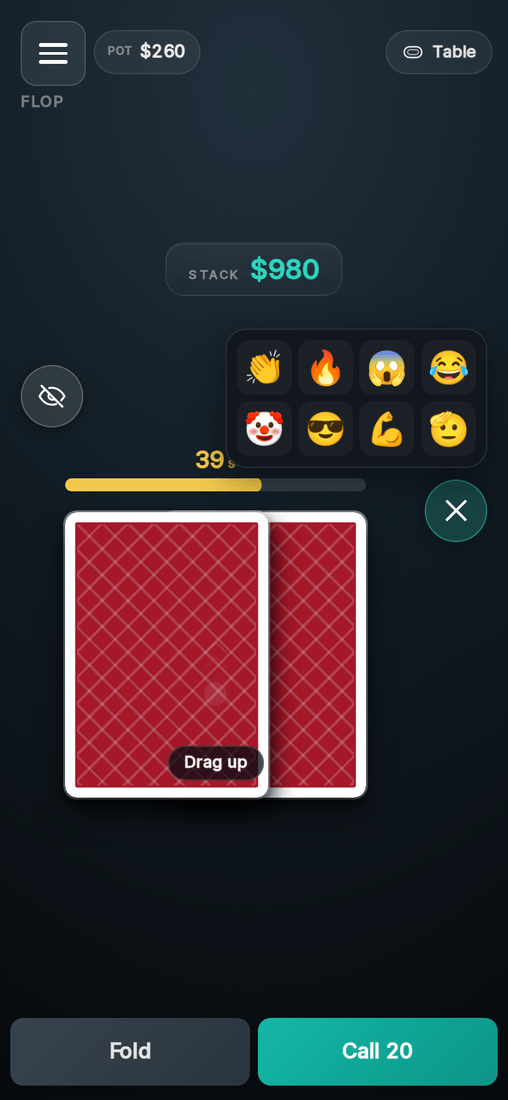
You can send reactions to the shared screen.
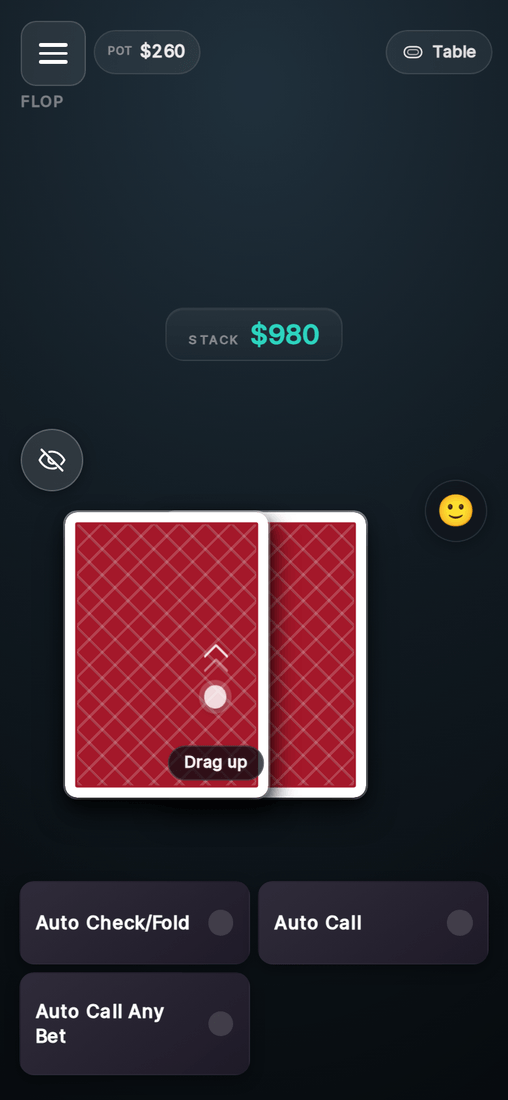
Plan ahead — set auto check or fold before the turn reaches you.
New to poker?
- Foldgive up the hand
- Checkstay in for free when there’s no bet
- Callmatch the current bet
- Bet / Raiseput chips in — slider or quick buttons
- All-inpush your whole stack
The best five-card hand takes the pot — strongest to weakest:
- Royal FlushA K Q J 10 of one suit


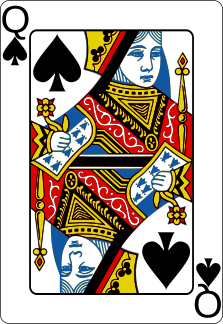
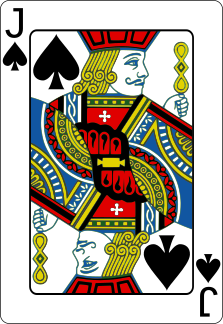
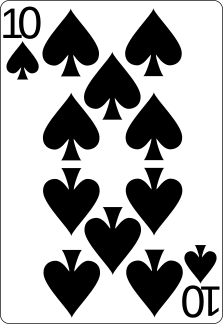
- Straight FlushFive in a row, one suit
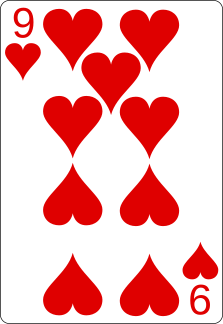




- Four of a KindFour cards of one rank
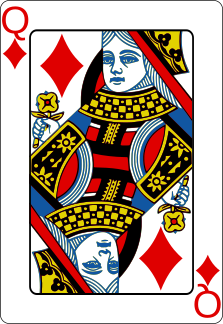

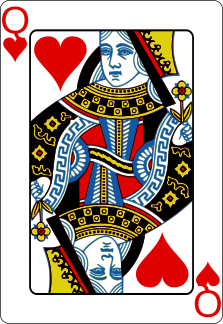
- Full HouseThree of a kind plus a pair

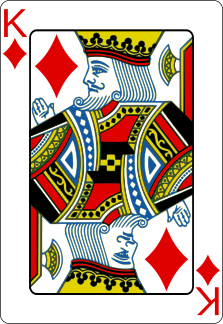
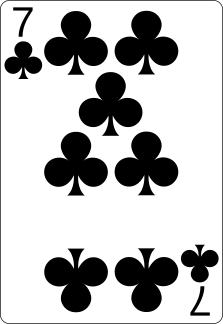

- FlushFive cards of one suit

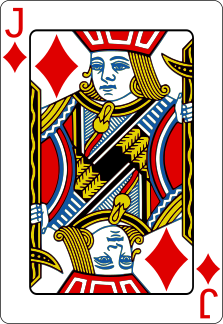
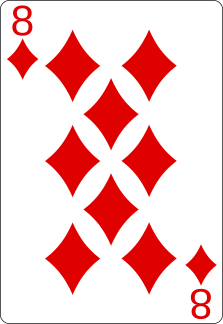
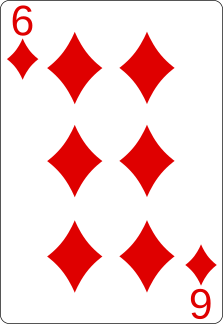
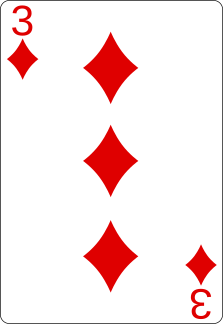
- StraightFive in a row, any suits
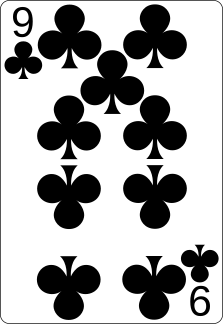

- Three of a KindThree cards of one rank
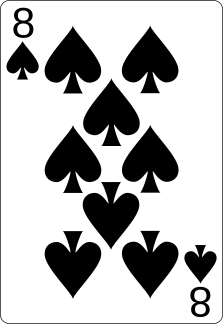
- Two PairTwo different pairs
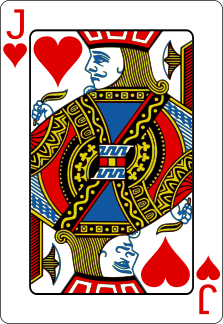
- PairTwo cards of the same rank


- High CardNo pair — the highest card plays

or open chumix.com on the TV